A 3 channel dash cam records three perspectives: the road ahead, the area behind the vehicle, and the cabin. It makes the most sense when activity inside the vehicle is as important as traffic around it—for example, rideshare or delivery work, transporting passengers, or simply wanting a fuller record of a trip.
The extra camera does not create all-around coverage or guarantee that every detail will be readable. It also brings more decisions about cable routing, memory-card management, and passenger privacy. For many drivers, a front-and-rear setup is the simpler fit. The right choice is the one whose extra view solves a real problem for you.
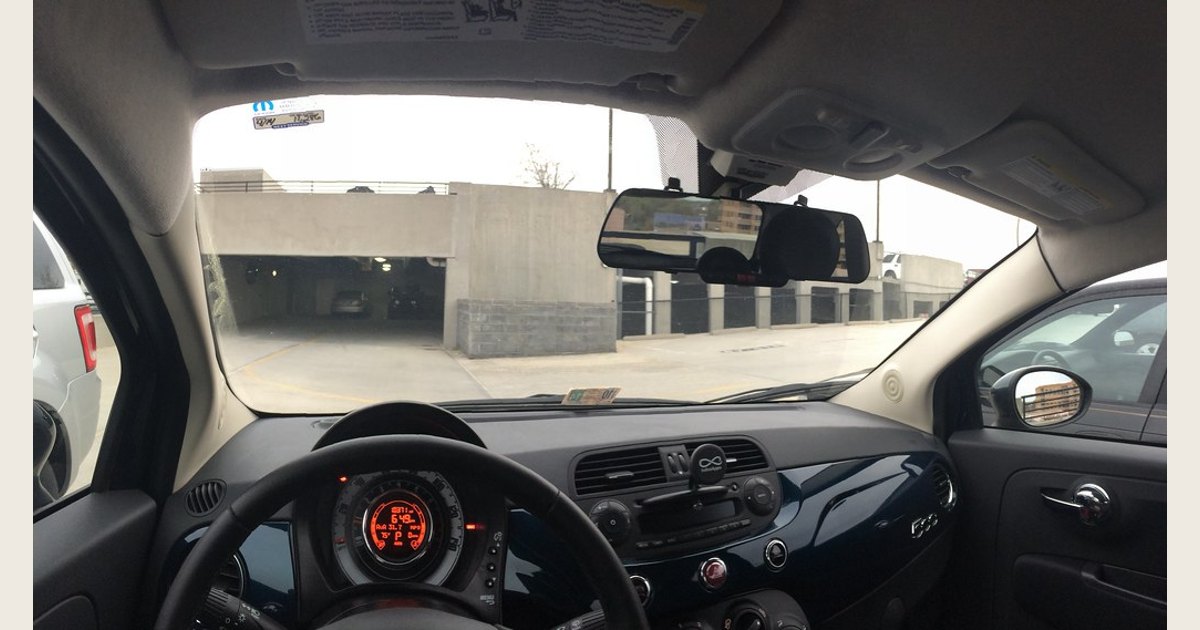
Photo: Fiat 500 with E-Prance (Novatek) rearview mirror dashcam by brownpau, Flickr; CC BY 2.0. Resized and padded. Illustrative stock photo; no product testing is implied.
The quick decision: one, two, or three channels?
| System | Records | A sensible fit when | Main compromise |
|---|---|---|---|
| One channel | Forward road view | You only want a basic record of what happens ahead | No rear or cabin perspective |
| Two channel | Forward and rear views | You want traffic coverage at both ends of the vehicle | No view of what happened inside |
| Three channel | Forward, rear, and cabin views | Passenger activity or cabin context matters to you | More setup, storage, and privacy considerations |
A three-channel system is not automatically “better.” If the vehicle is usually empty and your concern is traffic in front and behind, the interior lens may add little value. If you carry people or want a record of interactions at the doors and inside the cabin, that view can provide context the exterior cameras cannot.
What each camera adds
The front camera points through the windshield and records the scene ahead. It is the primary view for driving events that unfold in front of the vehicle, such as approaching traffic, traffic controls, and road conditions.
The rear camera points out the back glass or, on some vehicle types, is positioned to see the area behind the vehicle. It can complement the front view when an event happens behind you or when you need to understand traffic movement in both directions. Rear-window tint, defroster lines, and the shape of the vehicle can affect where it can be placed and what it sees.
The interior camera faces the cabin. Rather than treating it as a generic upgrade, decide what question you want it to answer: who was seated where, whether a passenger door opened, or what was happening in the vehicle during an incident. It is especially relevant for drivers who carry paying passengers, deliver items, or transport family members. It also means the system may capture private moments, so its purpose and settings deserve attention before you begin recording.
Even with all three views, blind spots remain. A cabin camera is not a side-facing camera, and exterior lenses may not show every angle around a large vehicle. Think of three-channel coverage as a way to add an inside view to a front-and-rear record—not as a replacement for attentive driving or vehicle mirrors.
Who is a three-channel dash cam for?
A three-channel setup can be worthwhile if the interior is part of the story you may later need to review. Common examples include:
- Rideshare and shuttle drivers who want a record of passenger-area activity.
- Delivery or service drivers who make frequent stops and have regular contact at the vehicle.
- Families and caregivers who want visibility into the passenger area while on the road.
- Drivers who regularly carry unfamiliar passengers and prefer more context than exterior views provide.
It may be unnecessary if you drive alone most of the time, only want a record of road events, or prefer the least conspicuous installation. In that case, a two-channel system can be a more proportionate choice. A one-channel camera remains the simplest option when forward coverage is the sole priority.
The tradeoffs before you buy
The third channel changes the ownership experience more than the name suggests. There is another lens to position, another view to review, and usually an additional cable path to plan. Before comparing marketing labels, inspect the product documentation and ask these practical questions.
Fit, mounting, and field of view
Confirm where the main unit mounts and how the rear camera connects. A vehicle with a steep rear window, a hatch, or a long cabin may need more cable-management planning than a sedan. For the interior lens, check whether it is built into the main unit or separate, and whether its view would be blocked by headrests, a partition, or the way you use the vehicle.
Do not mount any device where it interferes with your clear view. State and local rules vary. For example, California Vehicle Code section 26708 generally prohibits items that obstruct or reduce the driver’s clear view and sets particular conditions for certain video event recorders. That statute is an example, not a nationwide placement rule; check the requirements where you drive. California Vehicle Code § 26708 and our guide to where to place a dash cam can help frame the decision.
Video quality and reviewability
Do not assume that a resolution printed prominently on a package applies equally to all three cameras. Read which channel it describes, look at manufacturer-provided sample footage when available, and consider the conditions you actually drive in: night trips, bright backlighting, or a dark cabin can make framing and exposure more important than a headline specification.
Also consider how you will retrieve footage. Check whether you prefer handling the memory card directly or using the camera’s supported method for viewing files. The useful system is one you will be able to check promptly and understand when an important clip is needed.
Storage and recording behavior
Three views create more video to manage than one. Follow the camera maker’s instructions for supported card capacity, card type, formatting, and replacement. Do not choose a card based on its advertised capacity alone.
For continuous video, sustained write performance matters. The SD Association explains that video recording needs a constant minimum write speed to avoid dropped frames; its speed-class symbols represent minimum write performance under defined conditions, and the host device must support the relevant class. It also notes that fragmentation can reduce practical performance. SD Association: Speed Class
In practical terms, buy a compatible card that meets the dash cam maker’s documented requirement, format it as instructed, and periodically confirm that the camera is still recording normally. Learn how the model handles overwrite cycles and protected clips before relying on it. Our primer on dash-cam loop recording explains the basic overwrite concept.
Event protection and parked recording
If a system advertises impact detection or clip protection, read exactly what activates it and how to protect a file manually. Those details can vary by model and settings. For background on the feature, see what a dash-cam G-sensor does.
Likewise, do not assume a three-channel camera records while the vehicle is parked. That requires a model with a supported parking feature and a suitable power arrangement. Check the manual before choosing between a plug-in lead, a manufacturer-supported hardwire solution, or another approved power option.
A practical setup checklist
- Plan the views before attaching anything. Sit in the driver’s seat, identify a location that preserves your clear view, and decide where the rear and interior lenses will point.
- Temporarily power the camera and inspect sample clips. Confirm that the front view is level, the rear view is useful, and the interior framing captures the area you actually care about. Make adjustments before committing adhesive mounts or tucking cables.
- Route cables carefully. Use the vehicle documentation when planning routes near trim, airbags, or moving parts. If you are uncertain about hardwiring or trim removal, use a qualified installer.
- Set the basics. Check date and time, recording mode, overwrite behavior, event-protection sensitivity, and any audio or privacy controls the model provides.
- Set expectations with regular passengers. Explain the camera when appropriate, particularly if you have enabled audio. The California statute cited above requires a visible notice for passengers in the specific video-event-recorder category it defines; other rules can differ by place and use. Treat that as a reason to check applicable local requirements, not as universal legal advice.
- Test retrieval. Locate a recent three-view recording, play it back, and make sure you know how to save a copy before an event occurs.
Common problems and sensible first checks
The cabin is too dark or too reflective. Review a clip in the conditions that matter, then adjust the interior lens angle and check for windshield reflections or obstructions. A camera positioned for daytime framing may need a different compromise at night.
The camera reports a card issue or recordings are missing. First, preserve any clips you need. Then check the camera’s documented card requirement and formatting procedure. Because uninterrupted video depends on sustained writing, a card that no longer performs as required can cause recording trouble. SD Association: Speed Class
The rear view is unavailable. With power disconnected if the manufacturer instructs it, check that the rear-camera cable is fully seated and not pinched along its route. Review the manual for the model-specific connection and reset steps instead of forcing a connector.
Important clips are not protected. Verify the event sensitivity setting, learn the model’s manual-lock control, and save a copy as soon as it is safe to do so. Do not assume every jolt creates a protected file.
The footage does not answer your question. Reassess the framing rather than expecting software to restore an angle the lens never captured. A three-channel camera has limits: it may not show a side impact, a blocked rear window, or details outside the chosen fields of view.
Is a 3 channel dash cam worth it?
It is worth considering when the cabin view has a clear purpose. Choose one if that added context matters enough to justify the additional setup, storage discipline, and privacy responsibility. Otherwise, a two-channel system often provides a cleaner front-and-rear solution.
The best time to make that decision is before purchase: define the views you need, verify the camera’s documented requirements, plan a legal and unobtrusive mount, and test every channel after installation. That approach is more useful than choosing based on the highest number of cameras alone.