For many drivers, a dash cam is worth it—not because it guarantees an insurance outcome or catches every problem, but because it can preserve a neutral record when an incident is disputed. It is most worthwhile for people who drive often, park on busy streets or lots, share a vehicle, drive for work, or simply want a clearer account of an unexpected event.
The catch: a dash cam only has value if it is installed without blocking your view, powered reliably, aimed correctly, and checked occasionally. A camera with a dirty lens, full card, dead battery, or overwritten clip is not much help after the fact. Think of it as a small evidence system, not a set-it-and-forget-it gadget.
Key takeaways
- A dash cam is a good fit when the reassurance of an independent recording is worth the purchase, installation, and upkeep to you.
- Footage can clarify what occurred within the camera’s field of view, but it may not show the full event, identify every detail, or establish fault by itself.
- A front camera is the simplest starting point. Add rear or interior coverage only when it solves a specific problem you actually have.
- Account for the whole setup: camera, memory card, power arrangement, optional installation, and the time to review clips after an incident.
- Placement, audio recording, and privacy rules vary. Check your state and local rules rather than assuming a popular mounting spot is lawful everywhere.
What a dash cam actually buys you
The strongest reason to own a dash cam is documentation. In a collision, near miss, hit-and-run, or parking-lot dispute, the relevant question often becomes what happened in the seconds before and after the event. A properly working camera may provide a contemporaneous view of that narrow slice of time.
That can be useful even when the footage is imperfect. A clip may show traffic direction, lane position, weather, a signal, vehicle movement, or the condition of the road. It can also show its limits: glare, darkness, an obstructed plate, a view blocked by another vehicle, or an event that occurred outside the lens angle. Treat the recording as one piece of information, not a verdict.
A dash cam can also change your own post-incident routine. If something happens, you can save the original clip before normal loop recording replaces it, make a backup, and give the unedited file to the appropriate party if requested. That is more useful than trying to reconstruct the timeline later from memory alone.
An installed dash cam is only useful when its lens, power, storage, and viewpoint are working at the time of an event. Photo: Dash cam by chascow, CC BY 2.0. Resized and padded. Illustrative stock photo; no product testing is implied.
When the value is high—and when it is not
Use this as a personal decision guide rather than a promise of a particular result.
| A dash cam is more likely worth it if you… | It may be reasonable to skip or delay it if you… |
|---|---|
| Drive most days, cover long distances, or face dense traffic | Drive infrequently and have no particular documentation concern |
| Park in shared lots, on a street, or where minor damage is hard to explain | Would not check the camera, card, or saved clips at all |
| Share a car with family members or other authorized drivers | Prefer not to manage another powered device or its privacy settings |
| Want a record of driving events for your own reference | Expect a camera to guarantee reimbursement, identify every plate, or prevent collisions |
| Need a coverage angle that a phone in a pocket cannot provide | Cannot mount it without compromising your view or violating applicable rules |
The middle of the table matters. A dash cam has a modest upside for nearly any driver, but the purchase makes the most sense when it addresses a real uncertainty in your driving or parking routine. What would you do with the video after a crash? If the answer is “I would not know how to retrieve it,” put setup and practice ahead of extra features. If you mostly want a gadget because it is inexpensive or popular, pause and define the problem first.
Count the full ownership cost, not just the camera
A dash cam can be inexpensive to buy and still be inconvenient to own. Before deciding, list the parts of the system you will actually need:
| Cost or commitment | Questions to answer before buying |
|---|---|
| Camera and coverage | Is a front view enough, or is there a specific reason to add rear or interior video? |
| Storage | Does the camera need a separate memory card, and will you periodically confirm it is recording? |
| Power | Will a visible cable work for you, or do you need a cleaner professional installation? |
| Parking recording | Does the camera need power while parked, and are you comfortable with the added installation and battery-management considerations? |
| Time | Will you learn how to lock a clip, download it, and keep the original after an incident? |
| Replacement and upkeep | Can you budget for a failed card, damaged mount, or a camera that no longer meets your needs? |
This is why a basic front-facing model is often the sensible first purchase. It answers the central question—whether you want a forward record—without committing you to more wiring, more files, and more variables. Buy more coverage only when the gap is clear.
For example, rear coverage can matter if you are concerned about events behind the vehicle. Interior coverage may be relevant for some shared, family, or work-use vehicles, but it also captures more of the people inside the car. If you truly need front, rear, and cabin views, see Road Kit Guide’s explainer on 3-channel dash cams before deciding whether the extra complexity is justified.
Features that matter more than a long spec sheet
Start with reliability and retrieval, not advertised resolution alone. A usable setup lets you verify that it powers on, see that the lens has an unobstructed view, and save a clip without guesswork. It should fit the temperature, wiring, and mounting realities of your own car.
Loop recording is a practical feature to understand before you need it. When storage fills, cameras can overwrite older, unprotected clips. Learn how your model marks or locks an important recording, then save a separate copy promptly after an incident. Our guide to dash-cam loop recording explains why waiting can matter.
Impact detection can be helpful as a prompt to preserve a file, but do not assume it will recognize every event or choose the clip you care about. It may react to bumps, potholes, or other movements, and its settings are model-specific. Read the manual, test the saving process while parked, and learn what the camera’s indicator lights or app actually mean. For the basics, read how a dash-cam G-sensor works.
Parking recording deserves the same skepticism. It may be useful for an unattended-car concern, but it is not a promise that every scrape will be captured. The camera still needs an appropriate power arrangement, a usable view, and storage that has not been overwritten. Decide whether the additional setup is worth it for where and how you park.
Install it without creating a new problem
Your first priority is a clear, safe driving view. Do not put a camera where it blocks what you need to see, interferes with an airbag area, or becomes a distraction. Mounting rules are jurisdiction-specific and can be more detailed than product instructions.
California illustrates why a generic “mount it behind the mirror” recommendation is incomplete. Its vehicle code generally prohibits objects that obstruct or reduce the driver’s clear view. The same law has a conditional exception for its defined video event recorder in specified windshield areas. For a vehicle equipped with that statutory type of recorder, the exception comes with operating rules and requires a visible notice that a passenger’s conversation may be recorded.
California is used here because its official code gives a concrete placement example, not because it sets a nationwide rule. Read the law where you drive and use California Vehicle Code § 26708 as a reminder to check the exact local language. Road Kit Guide also covers the practical question of where to place a dash cam.
Once installed, sit in the driver’s seat and look normally through the windshield. Confirm that the camera, mount, and cable do not distract or reduce your view. Then record a short daytime test clip and inspect it on the device or in its app. You are checking the angle, glare, horizon, legibility of nearby details, and whether the time setting is right—not judging the camera from a marketing claim.
Privacy, audio, and sharing: make a deliberate choice
A forward-facing road view has different privacy implications from an interior camera with audio. Before enabling audio or cabin recording, consider passengers, other drivers, and where the vehicle is used. Rules differ by jurisdiction and by the circumstances of a conversation.
For example, California law prohibits intentionally recording a confidential communication without the consent of all parties. It defines that term around circumstances reasonably indicating that a party expects privacy and lists exceptions.
Like the placement example above, this is a concrete state-law example, not a 50-state answer or a substitute for local legal advice. It shows why “the camera records audio by default” is not a good enough privacy decision. Review California Penal Code § 632, check the rules that apply to your situation, and consider disabling audio if you do not need it.
Be deliberate with sharing, too. Preserve an original file, keep a copy for yourself, and avoid posting a clip publicly in the heat of the moment. A recording can contain faces, voices, locations, plate numbers, and an incomplete story. If an insurer, attorney, police officer, or other party asks for it after an incident, ask what format and scope they need and retain your original.
A five-minute routine that protects the purchase
A dash cam earns its keep through a small routine:
- At installation: Format the card according to the camera maker’s instructions, set the date and time, and record a short test clip.
- Once a month: Check that it turns on, that the lens is clean, the card has no error message, and the view has not shifted.
- After any incident: Stop normal overwriting if your model allows it, save the relevant original clip promptly, and make a backup before experimenting with edits or sharing.
- Before a trip: Confirm the mount is secure and cables are out of the way.
- When selling or lending the vehicle: Remove personal recordings and explain any camera or audio recording that remains active.
If that routine sounds unreasonable, that is useful information: you may be better off waiting. The right dash cam is the one you will maintain, not the most feature-packed one on a comparison chart.
Bottom line
A dash cam is worth it for drivers who want better documentation of unpredictable road or parking events and are willing to keep the system functional. Start with the simplest coverage that addresses your actual concern, install it so it does not compromise visibility, and learn how to save the original clip before you need it.
Skip it—or postpone it—if you cannot mount it safely and legally, do not want the privacy tradeoffs, or know that you will never check whether it is recording. A camera can improve the record of an event; it cannot replace attentive driving, safe parking choices, a police report when appropriate, or your own judgment.
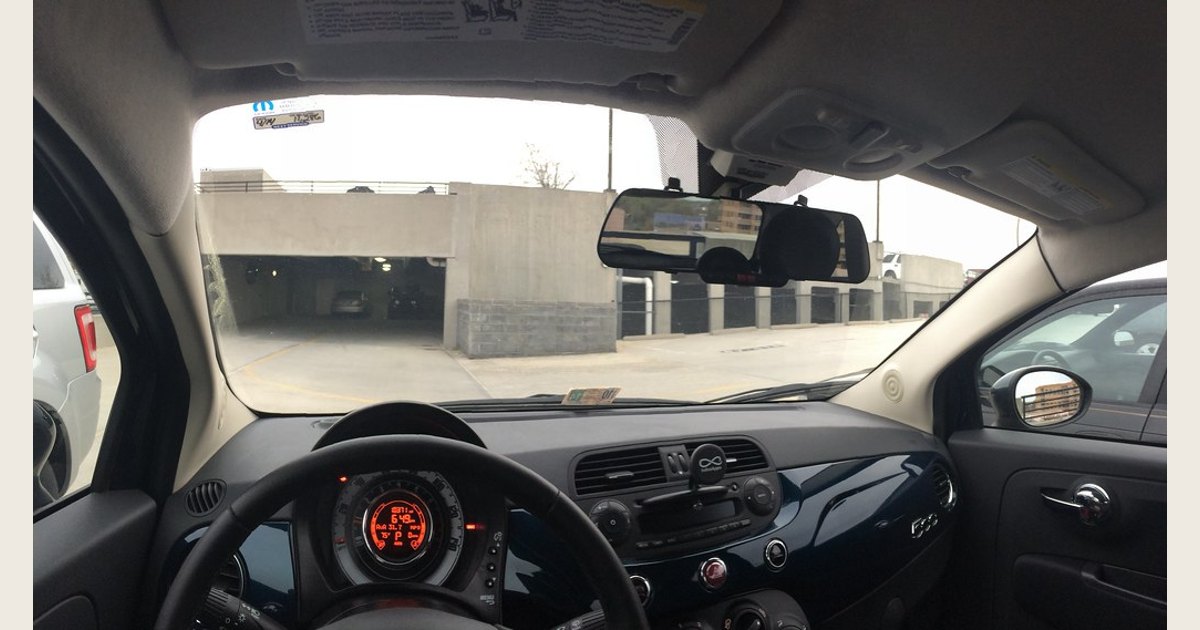
Featured image credit: Photo: Fiat 500 with E-Prance (Novatek) rearview mirror dashcam by brownpau, CC BY 2.0. Resized and padded. Illustrative stock photo; no product testing is implied.