Yes—there are dash cams marketed as wireless, but that label usually means wireless Wi-Fi connection to a phone, not a dash cam that runs indefinitely without a power cable. A Wi-Fi dash cam can provide app access to clips but still need a USB or 12-volt power lead. Hardwiring and battery power are separate specifications.
Ask: wireless in what way? Separating data transfer from power makes the right setup easier to identify.
TL;DR: Yes. For a dash cam, “wireless” usually means Wi-Fi app access—not a camera that powers itself. VIOFO, for example, describes Wi-Fi phone access for live view, clip downloads, settings, and firmware updates (VIOFO App documentation). Check the exact camera’s power and parking-mode documentation separately.
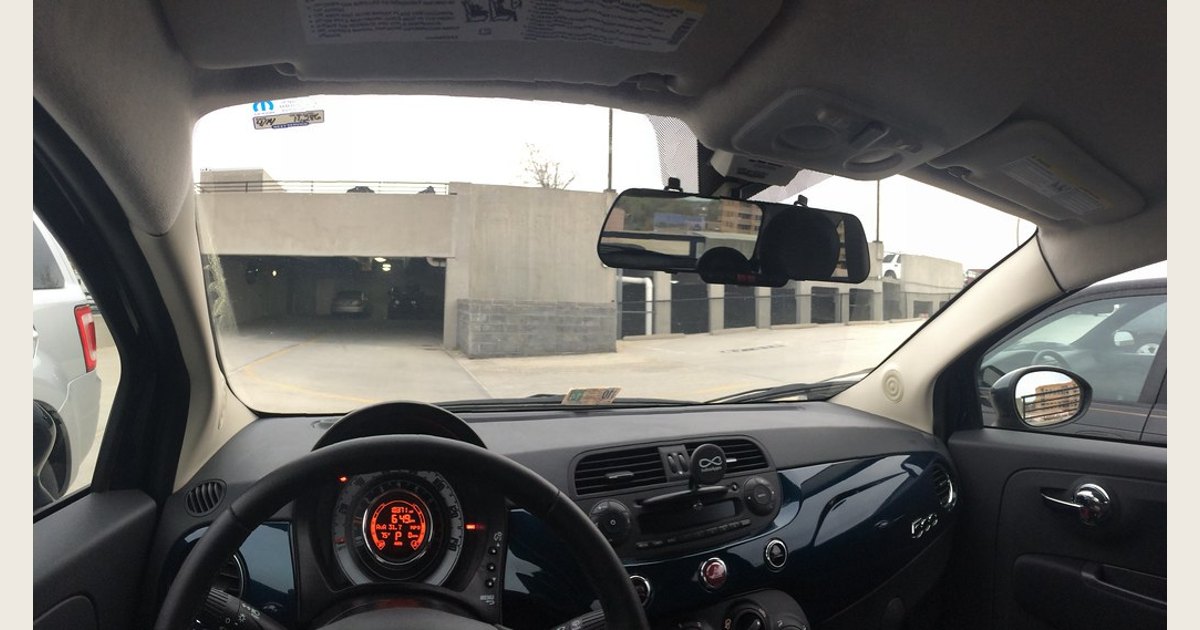
Featured image credit: Photo: Fiat 500 with E-Prance (Novatek) rearview mirror dashcam by brownpau, https://www.flickr.com/photos/44124483743@N01/13859656274; https://creativecommons.org/licenses/by/2.0/. Resized and padded. Illustrative stock photo; no product testing is implied.
The short answer: “wireless” can describe four different things
Dash cam listings sometimes use one word for several conveniences. They are not interchangeable.
| If a listing says “wireless,” it may mean… | What it does | What it does not automatically mean |
|---|---|---|
| Wi-Fi/app-connected | Links the camera and a phone for live view, settings, or clip access | The camera is battery-powered or connected to the internet |
| Wireless downloads | Lets you move clips to a phone without removing the memory card or plugging in a data cable | The camera has no vehicle power cable |
| Not hardwired | Uses a plug-in vehicle-power lead instead of the fuse box | The lead disappears or the camera works after the vehicle powers down |
| Battery-powered/cordless | Has an expressly stated battery and recording-runtime specification | That every Wi-Fi dash cam is cordless |
The first meaning is the one shoppers will encounter most often: the phone talks directly to the camera over Wi-Fi. For example, VIOFO says its app connects a phone to a compatible dash cam over Wi-Fi for live view, playback and clip downloads, setting changes, and firmware updates (VIOFO App documentation). That is useful wireless convenience, but it is a statement about the phone-to-camera connection—not the camera’s power source.
Wireless transfer and camera power are two separate jobs
A dash cam needs a way to record video, receive power, and—if wanted—communicate with a phone. A model can combine those jobs in several ways. It may save clips locally while using a plug-in or hardwired power cable, use Wi-Fi for app access, or provide parking coverage without an app. Wi-Fi can also coexist with an outlet that turns off with the car.
That distinction matters when comparing features. Wi-Fi is excellent for getting a clip to your phone after a close call. It does not make the video cloud-backed, does not keep the camera recording after the car shuts off, and does not remove the need to consider storage. Most dash cams still rely on local recording media, so it helps to understand how loop recording overwrites older footage and how to protect a clip you need.

Wireless app access can make it easier to retrieve a locally recorded clip, but it does not determine how the camera is powered. Photo: Dash cam by chascow, https://www.flickr.com/photos/15586134@N00/51940574570; https://creativecommons.org/licenses/by/2.0/. Resized and padded. Illustrative stock photo; no product testing is implied.
What Wi-Fi is good for
Wi-Fi can spare you from removing the memory card just to check a clip. Before buying, verify that the camera’s app supports the tasks you care about, such as viewing recordings, downloading files, changing settings, or checking framing. App support and phone compatibility vary by model.
Try the app when the camera is newly installed. Confirm that you can find a recording and save it to the phone before you need an important clip.
How dash cams get power
The power method determines cable visibility, installation effort, and whether parking recording may be possible. It is not decided by the Wi-Fi feature list.
1. Plug-in vehicle power: simple, but still wired
Many owners start with a power lead running from the camera to a USB port or 12-volt accessory outlet. This is often the most straightforward approach for a camera that records while the vehicle is on. It is not a hardwired installation, but it is not cordless either.
Whether the outlet remains powered after the ignition is off varies by vehicle. Do not assume a plug-in camera can provide parking coverage just because the cable fits the outlet; test the vehicle’s behavior and follow the camera maker’s instructions.
2. Fuse-box hardwiring: permanent power management
A hardwire kit is a different arrangement: it connects to appropriate vehicle electrical circuits rather than using the accessory outlet. On its HK4 kit page, VIOFO describes constant-power, accessory/ignition, and ground connections at the fuse box. It also describes ACC sensing that switches between driving and parking recording. Its kit has selectable low-voltage cutoffs intended to stop power delivery at a chosen battery-voltage threshold (VIOFO HK4 USB-C Hardwire Kit).
That is why hardwiring concerns power and installation, not wireless connectivity. A low-voltage cutoff is a safeguard, not a promise of a particular parking runtime. Use a kit approved for the camera and vehicle, and consider professional installation if you are not comfortable working around a fuse panel.
3. OBD-II power: another wired option
Some compatible cameras can use a dedicated OBD-II power cable instead of fuse-box work. Compatibility and parked-power behavior still depend on the camera and vehicle.
4. An explicitly battery-powered camera or external battery pack
A battery-powered camera needs its own stated recording runtime, charging method, and heat guidance. Never infer those details from “Wi-Fi” or “wireless” in a product title. An external dash-cam battery pack is a separate power source connected to the camera, not a cordless dash cam. Check compatible accessories and operating conditions instead of relying on a generic runtime estimate.
Parking mode is where the distinction matters most
Parking mode needs the camera to have power after the vehicle is turned off. On its official parking-mode page, THINKWARE says its parking surveillance requires a hardwiring cable or OBD-II power cable and installation. It describes supported cameras entering surveillance after ignition-off and recording when motion or an impact is detected (THINKWARE Parking Mode).
Feature names deserve scrutiny. Radar, energy-saving, and time-lapse modes differ, and a camera may support only some of them. The page says runtime examples use ideal conditions and a separate battery pack. Those examples are not a guarantee for another setup.
If parked coverage is your goal, ask these questions before buying or installing:
- Is this exact camera compatible with parking mode?
- Which approved power method does its manual require?
- Does the required kit have an appropriate low-voltage cutoff or use an external battery pack?
- Which parking-recording modes are available on this exact model?
- Who will install and test the setup?
Choose the setup that solves your actual problem
| Your priority | Usually the most relevant feature | Watch for |
|---|---|---|
| Downloading clips without a computer | Built-in Wi-Fi and a capable phone app | App/model compatibility and local storage management |
| A quick, lower-commitment installation | Plug-in vehicle power | A visible cable and an outlet that may turn off with the car |
| A tidy, semi-permanent installation | Hardwire kit | Correct kit compatibility and professional help if needed |
| Recording while parked | Compatible parking mode plus approved constant-power method | Battery protection, mode limits, and vehicle-specific behavior |
| Truly cable-free operation | An explicitly battery-powered product | Clearly stated recording runtime, charging, and operating limits |
A hardwired camera can still have Wi-Fi. A plug-in camera can still have Wi-Fi. And a Wi-Fi camera can still be a poor fit if your real need is all-night parking coverage or cordless portability.
If coverage is your priority, compare it separately with this guide to 3-channel dash cams; that decision does not change the Wi-Fi-versus-power distinction.
If you are still deciding whether the additional installation effort makes sense, start with the broader question of whether a dash cam is worth it for your driving and parking habits. Once you have chosen a power approach, placement also matters for video quality and visibility; see this guide to dash-cam windshield placement.
Setup and troubleshooting tips
The app will not connect
First make sure the camera is powered on. Then use the manufacturer’s instructions to put that model into its app-connection mode and join the correct camera network. Do not rely on a generic app guide: connection steps, passwords, and supported phones vary by model. If the phone can see the camera but the app cannot, check the app’s current permissions and update status before resetting anything.
You can see clips but cannot save one
Verify which file you are viewing, whether the phone has enough free space, and whether the app offers a download action rather than playback only. Keep the original file on the memory card until you have checked the saved copy. If a clip is important, preserve it promptly rather than assuming ordinary loop recording will keep it indefinitely.
The camera turns off after parking
That outcome usually points to the power source, not the Wi-Fi setting. A switched outlet may have shut down, or the camera may not be configured and powered for parking recording. Check camera compatibility, the enabled parking mode, and the approved power method.
Parking clips are missing or shorter than expected
If a driver expects overnight motion recording but finds only an impact clip, the camera may be using an impact-only or energy-saving mode. Confirm that the exact camera supports the selected mode, the kit is installed correctly, and the battery or external pack is within its intended operating conditions. Sensitivity and heat protection can also change what it captures. If an event was triggered by an impact, see the guide to G-sensor settings before reviewing the clip. Do not disable battery-protection features simply to pursue longer runtime.
Frequently asked questions
Is a wireless dash cam cordless?
Usually, no. In ordinary dash-cam marketing, wireless generally refers to Wi-Fi app connectivity or transferring clips to a phone. A camera is cordless only if its documentation specifically says it is battery-powered and states how long it can record that way.
Do you need Wi-Fi for a dash cam to record?
No. Wi-Fi is an access feature, not the basic recording function. A camera can record to its local storage without a phone connected. Wi-Fi is useful when you want convenient app access to settings or recorded clips.
Can a Wi-Fi dash cam work without being hardwired?
Yes. Wi-Fi and hardwiring address different jobs. A Wi-Fi camera can use a plug-in vehicle-power cable; it simply may not stay powered once the outlet shuts off. Hardwiring is relevant when you want a more permanent installation or compatible parking-mode power.
Does a hardwired dash cam have to be wireless?
No. Hardwiring supplies vehicle power. A hardwired model may have Wi-Fi, Bluetooth, neither, or another connection method. Compare app features separately from the power kit and installation requirements.
Bottom line
There is such a thing as a wireless dash cam, but “wireless” usually means a Wi-Fi connection for phone access—not wireless power. Choose Wi-Fi for simpler clip retrieval, choose hardwiring or another approved constant-power option when parking mode is the goal, and choose a battery-powered camera only when its documentation explicitly supports the cordless runtime you need.